Custom Night Filters
Choose from Warm Candle, Sunset Glow, Forest Green, and Moonlight presets with precision color temperature tuning.
Utility
Night Light & Blue Light Filter for Eye Care.
Screenshots
Features
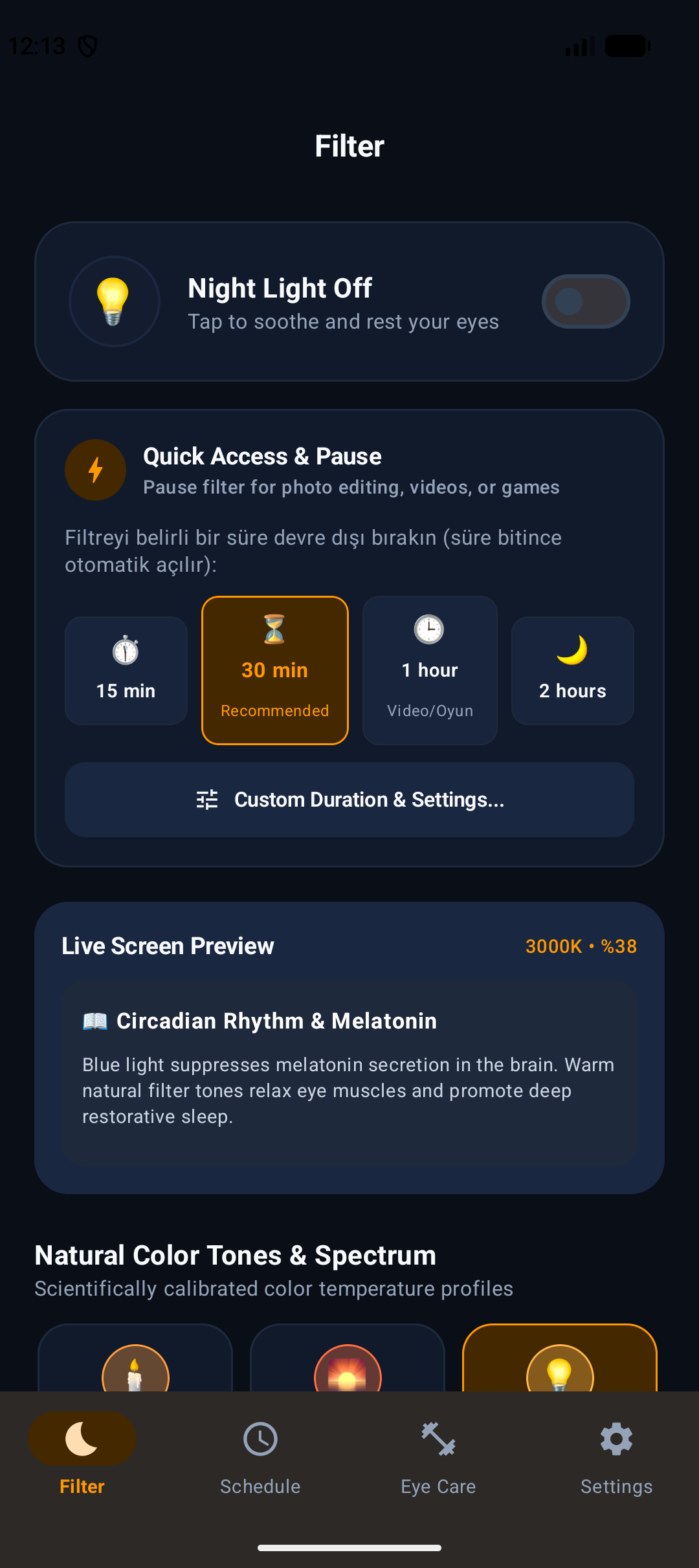
Choose from Warm Candle, Sunset Glow, Forest Green, and Moonlight presets with precision color temperature tuning.
Reduce display brightness far below standard system limits for soothing reading in pitch-black rooms.
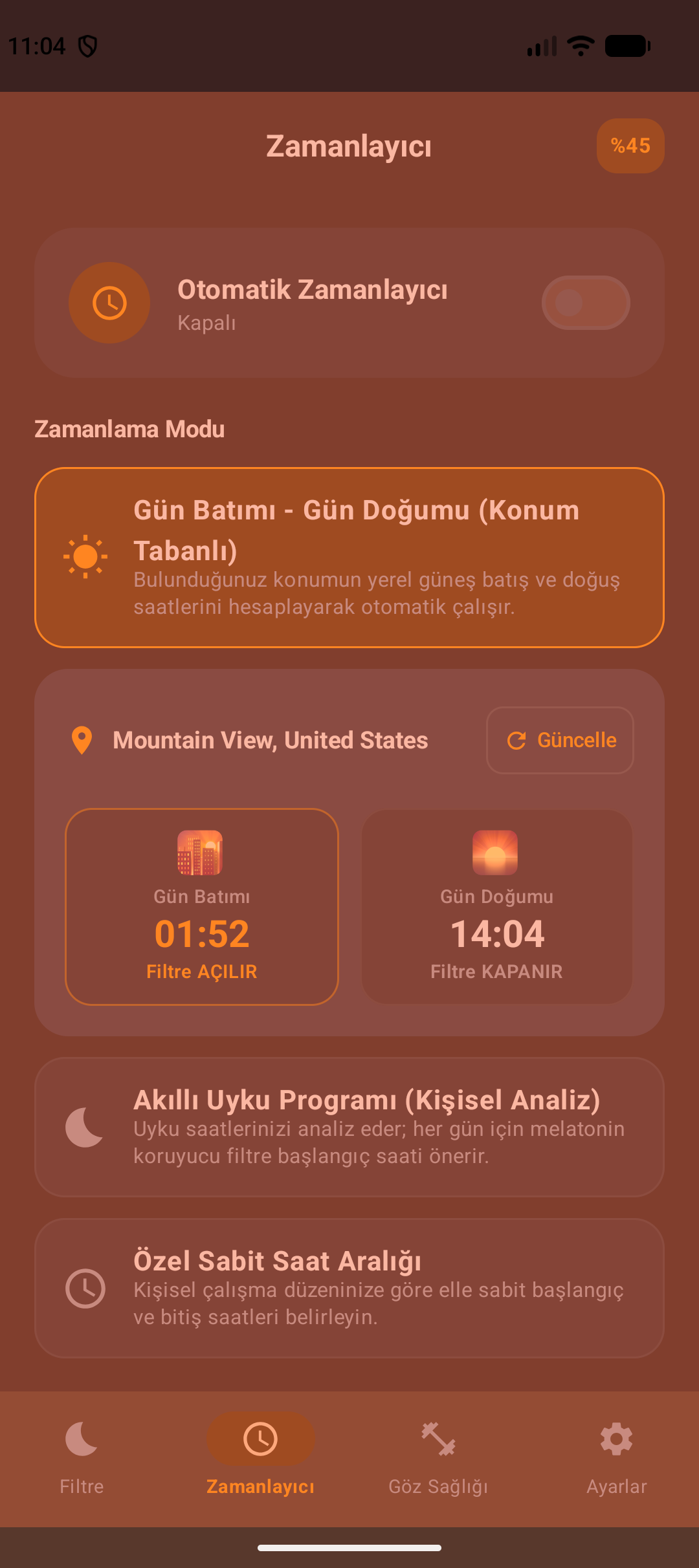
Set custom hours or automatically synchronize filter activation with local astronomical sunset and sunrise.
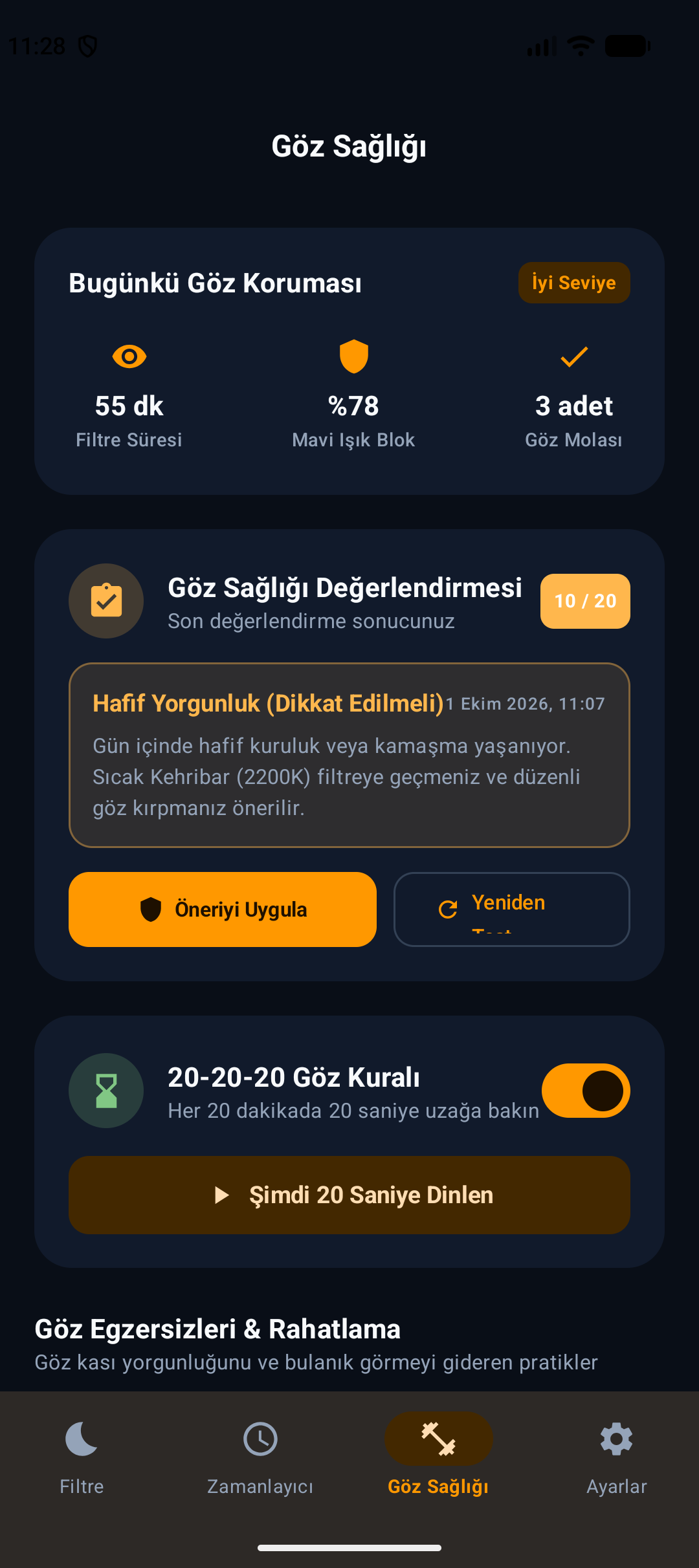
Structured eye relaxation routines including 20-20-20 breaks, circular tracking, and blinking therapy.
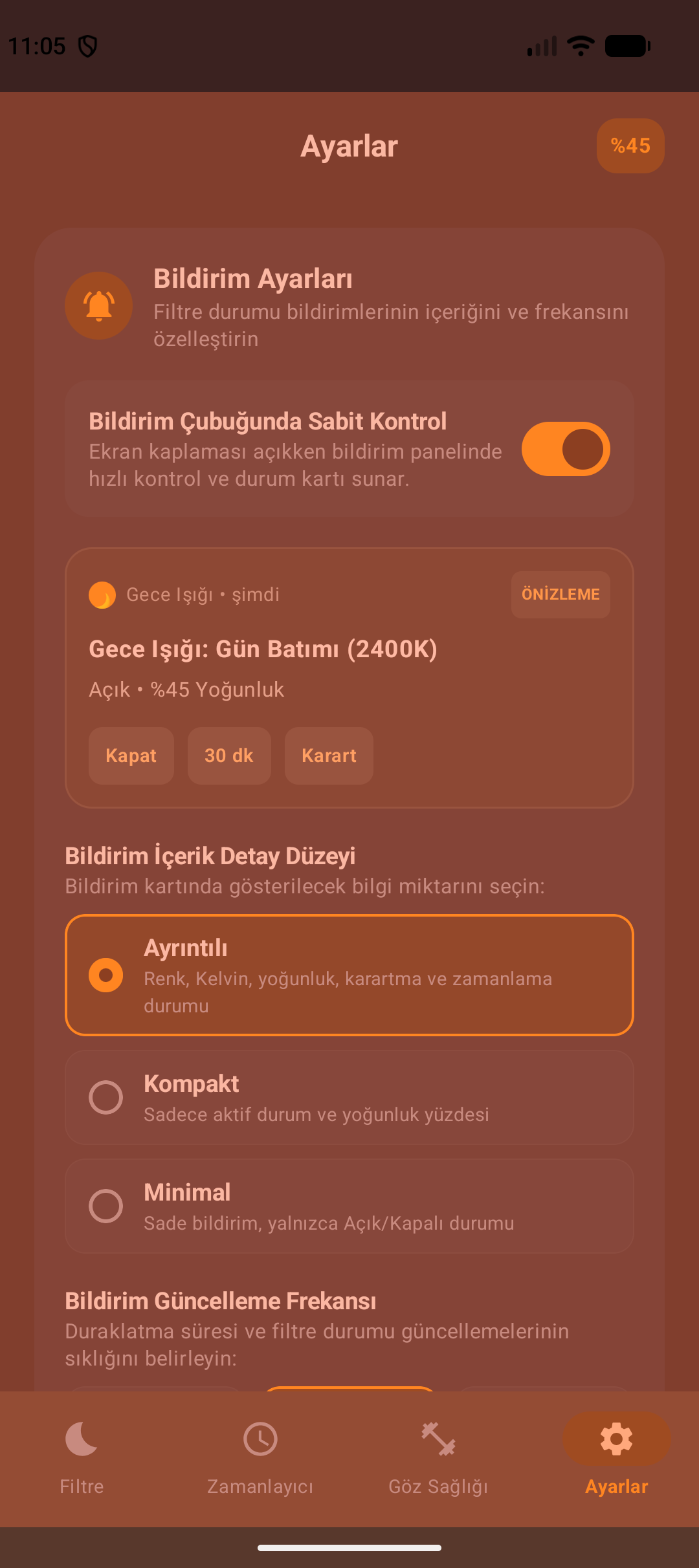
Instantly toggle protection and adjust intensity directly from the notification shade without opening the app.
Ultra-efficient overlay rendering designed for minimal battery impact with zero personal data collection.
Description
RestEye is a dedicated eye protection and screen wellness utility designed to reduce blue light exposure, eliminate screen glare in low-light environments, and establish healthier digital habits.
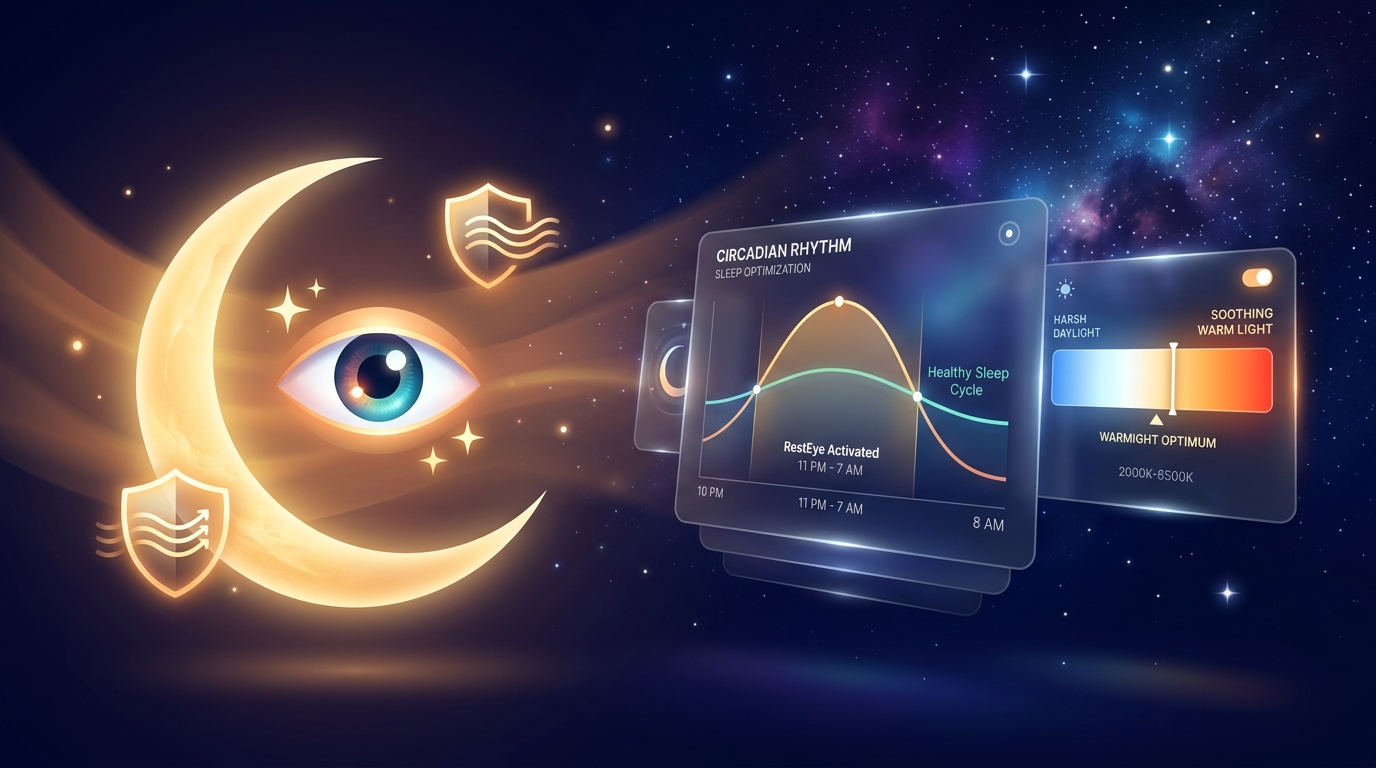
Featuring an ultra-smooth screen dimmer and scientifically tuned color spectrums (Warm Candle, Sunset Glow, Forest Green, Moonlight, Deep Night), RestEye filters harsh blue wavelengths that disrupt your natural circadian rhythm and melatonin production.
With smart automated scheduling (including local sunset-to-sunrise sync), structured 20-20-20 break reminders, and guided optometrist-designed eye exercises, RestEye helps you work and browse comfortably while keeping your eyes relaxed and rested.
FAQ
RestEye overlays a warm, blue-light-absorbing tint onto your screen that reduces ocular fatigue, eases harsh contrast, and supports your natural circadian rhythm before sleep.
Yes. RestEye's deep dimmer applies an extra software shading layer, allowing you to dim the screen significantly below the factory minimum brightness in pitch-black rooms.
RestEye needs this permission strictly to draw the protective translucent color tint over your display. It does not record, capture, or inspect your screen content.
If enabled, RestEye calculates solar sunset and sunrise times locally on your device based on approximate location coordinates. Your location never leaves your phone.
RestEye is available on Google Play. You can install it directly on any Android smartphone or tablet.